


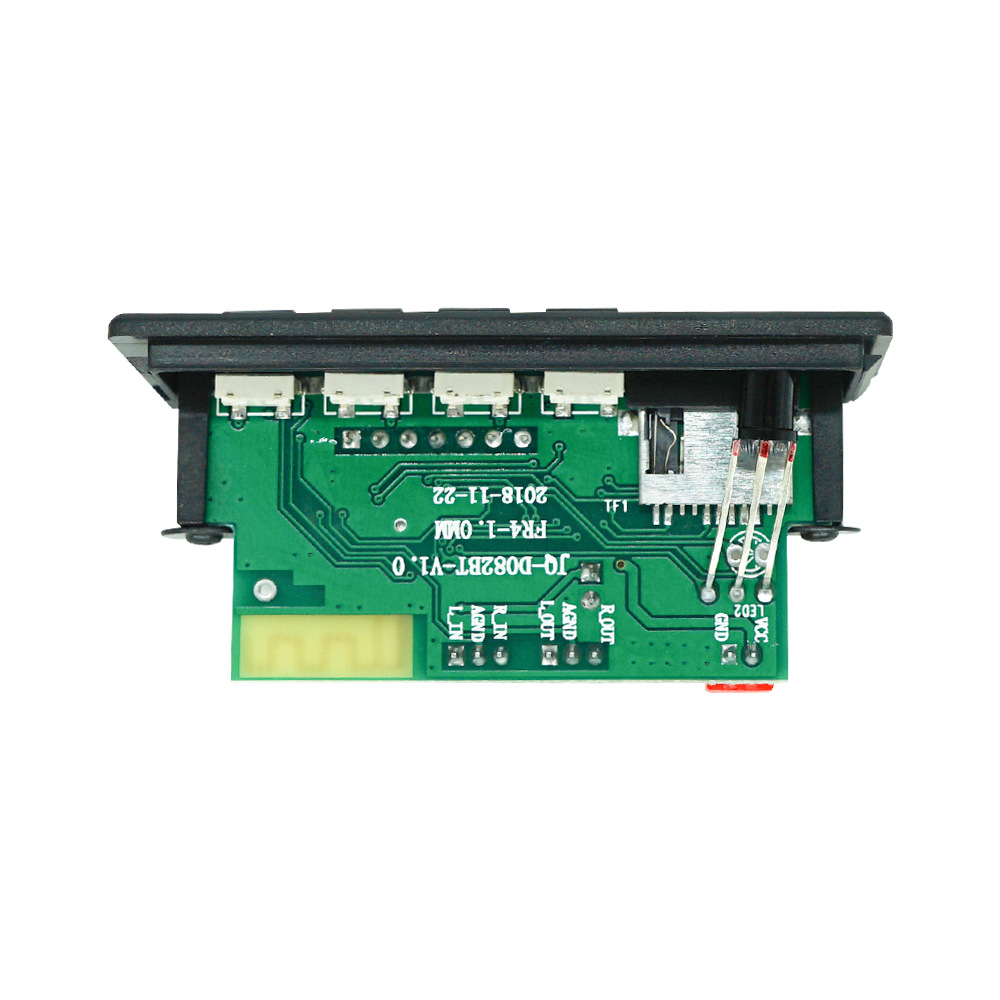
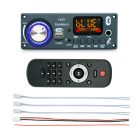


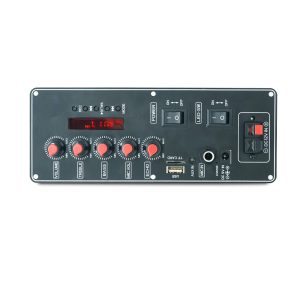
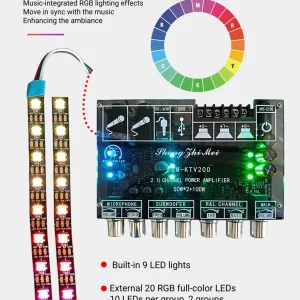
2.1 Channel MP3 Power Amplifier Board
50Wx2 + 100W
Bluetooth, FM, SD card, USB, MIC
Remote and wires
12VDC – 24VDC
- Secure Payment Guaranteed
- Islandwide Delivery
- WhatsApp Support Available
- Limited Stock Available
Main Functions
1. Dual decoding supports lossless music formats such as MP3, WMA, WAV, FLAC, and APE ;
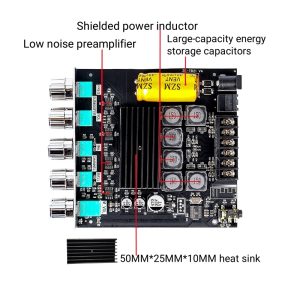
2. Amplifier board with 2*50W + 100W, 2.1 speaker amplifier ; using two TPA3116 chips;
3. Voltage range: 6V-24V; Current: not less than 2A;
4. Supports Bluetooth calling function, Bluetooth version 5.3;
5. Supports recording function;
6. Microphone support function;
7. Digital color screen display;
8. Supports MMC/SD/MMA cards and USB interface (USB flash drive);
9. Power-off memory function;
10. Supports infrared remote control operation at a distance of 10 meters;
11. Supports LINE IN input from external audio sources;
12. Buttons: Five buttons for multi-directional control: TREBLE, BASS, ECHO, MIC, VOL / VOL- / AUTO / VOL+ / MODE ;
Detailed button operation
1. TREBLE/BASS/ECHO/MIC.VOL: Switches between microphone volume (C), microphone reverb (E), treble (H), and bass (b); first switch to the mode, then press the previous or next track button to adjust; after 3 seconds of no adjustment, it will automatically confirm.
2. PREV button (previous track): In MP3 mode, a short press of the PREV button skips to the previous track, while a long press decreases the volume; in FM mode, a short press moves the channel up one level; in Bluetooth mode, a short press skips to the previous track via Bluetooth.
2. AUTO Button (Play/Pause): In MP3 mode, a short press of AUTO plays/pauses the audio; in FM mode, a short press plays/pauses the audio, and a long press automatically tunes and saves stations; in Bluetooth mode, a short press plays/pauses the audio, and a long press activates TWS functionality.
3. NEXT button (next track): In MP3 mode, a short press of VOL+ skips to the next track, while a long press increases the volume; in FM mode, a short press tunes to the next station; in Bluetooth mode, a short press skips to the next track via Bluetooth.
4. MODE button: Switches between USB/TF card/audio input/Bluetooth functions in sequence; long press for recording function;
Recording Function Description
1. Press and hold the MODE button to start recording, and press and hold the MODE button again to cancel recording and play the recording file;
2. When recording, you need to connect a storage device, such as a USB flash drive or TF card;
Be the first to review “2.1 Channel MP3 Power Amplifier Board”
Related products
-

-


Mini Mp3 Decoder Board
රු800 -
-
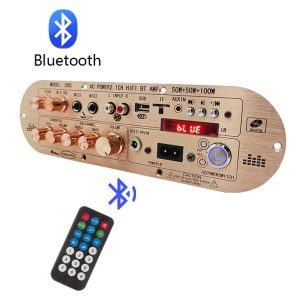
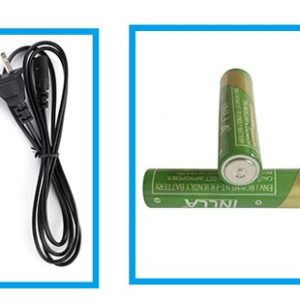
D90 2.1 Channel Power Amplifier
රු12,500 -
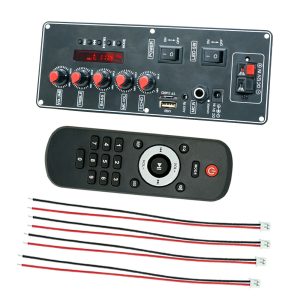
30Wx2 7.4VDC Party Box Amplifier
රු3,300 -


Reviews
There are no reviews yet.